Our Jun2Aug Internship Batches are open. Join Now!

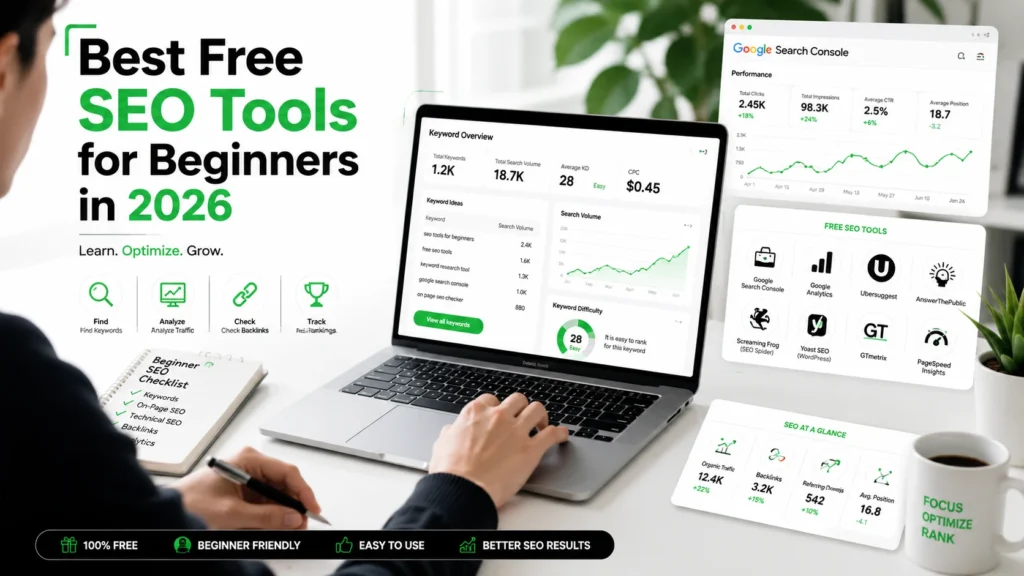
SEO Tools for Beginners
If you’re just starting SEO, you do not need expensive software to learn the basics. The best free SEO tools for beginners in 2026 are the ones that help you find keywords, fix on-page issues, compare competitors, and track what Google already sees on your site. Google Search Console, Google Trends, Google Keyword Planner, Ahrefs’ free tools, and Moz’s free tools are enough to build a strong foundation.
What are SEO tools for beginners?
SEO tools for beginners are simple platforms that help you understand how search engines view your website. They make keyword research, page audits, backlink checks, and performance tracking easier for people who are still learning. Google Search Console is especially useful because it helps you measure search traffic, fix issues, and improve visibility in Google Search.
A beginner usually needs three things first: keyword ideas, content feedback, and performance data. That is why a small toolkit often works better than a long list of paid subscriptions. The goal is to learn the process, not collect software. Start with tools that show real search data and simple actions.
“Search Console tools and reports help you measure your site’s Search traffic and performance, fix issues, and make your site shine in Google Search results.” — Google Search Console
Which free tools should you start with?
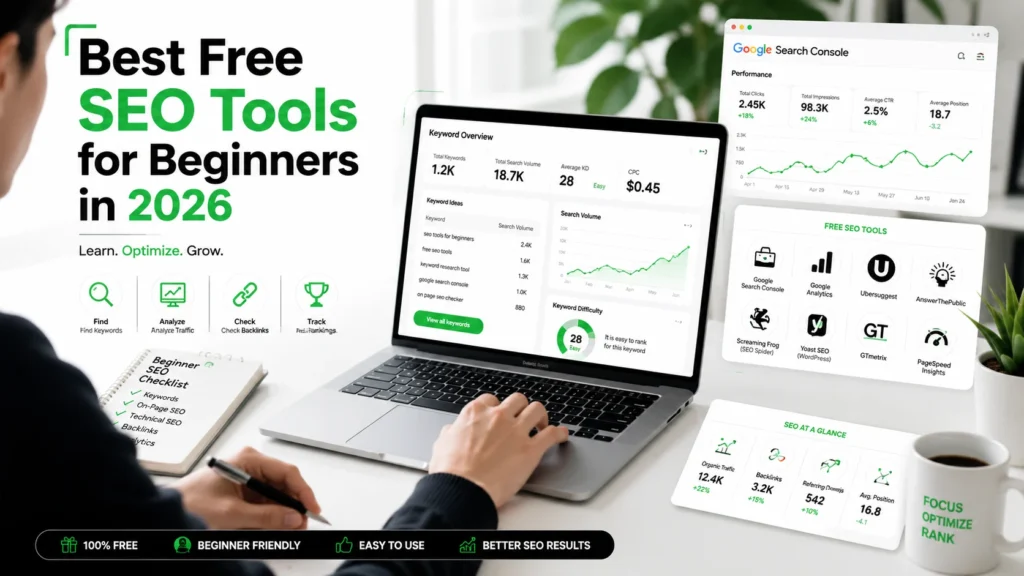
Here is the simplest starter stack for most beginners:
| Tool | Best for | Why it matters |
|---|---|---|
| Google Search Console | Search performance and indexing | Shows real queries, clicks, and page issues. |
| Google Trends | Topic and trend research | Helps you spot rising or seasonal search interest. |
| Google Keyword Planner | Keyword ideas and volume | Useful for discovering search terms and planning content. |
| Ahrefs Free Keyword Generator | Keyword discovery | Gives keyword ideas and related question searches. |
| MozBar / Moz free tools | On-page and authority checks | Helpful for quick SEO review and link analysis. |
If you want the quickest beginner path, start with Google Search Console, then add one keyword research tool. That combination gives you both “what people search” and “how your site performs.” Use one tool for discovery and one for measurement.
Transitioning from theory to action is easier when you keep your setup small. Too many tools can confuse beginners, while a focused toolkit helps you build confidence faster.
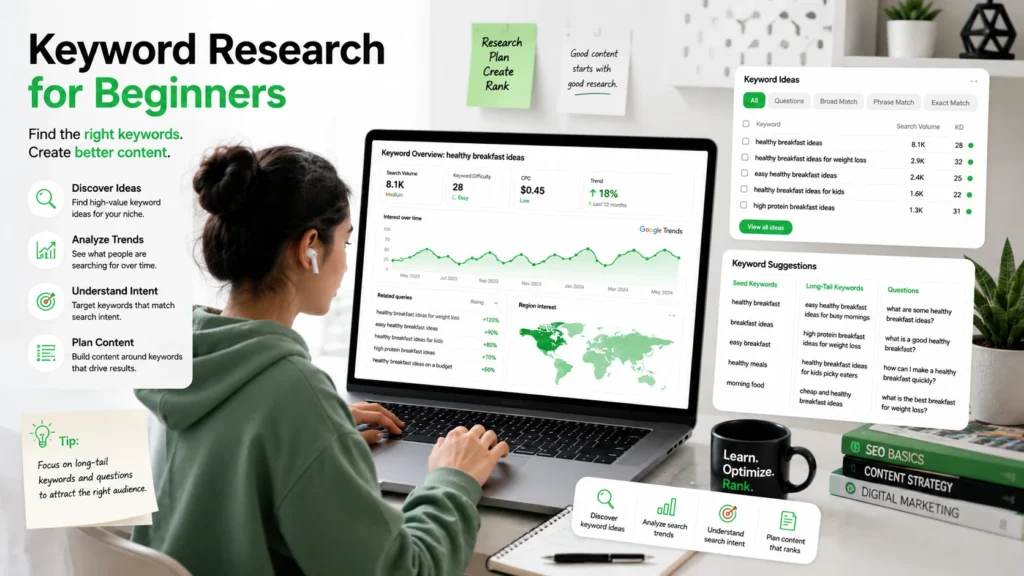
How do free SEO tools help keyword research?
Free SEO tools help you find what people actually type into Google. Ahrefs’ Free Keyword Generator can produce thousands of keyword ideas, including question-based queries and related terms. Google Keyword Planner also provides keyword ideas and forecast-style information for ad and content planning.
A practical beginner workflow looks like this:
- Start with a seed keyword like “SEO tools for beginners.”
- Check related suggestions in Ahrefs, Keyword Planner, or Google Trends.
- Compare search intent and seasonality.
- Save the best terms into a simple sheet.
- Turn the strongest keyword into a blog post, page, or video.
This approach is simple, but it works because it follows search demand. Search demand first, content second.
What can Google Search Console do?
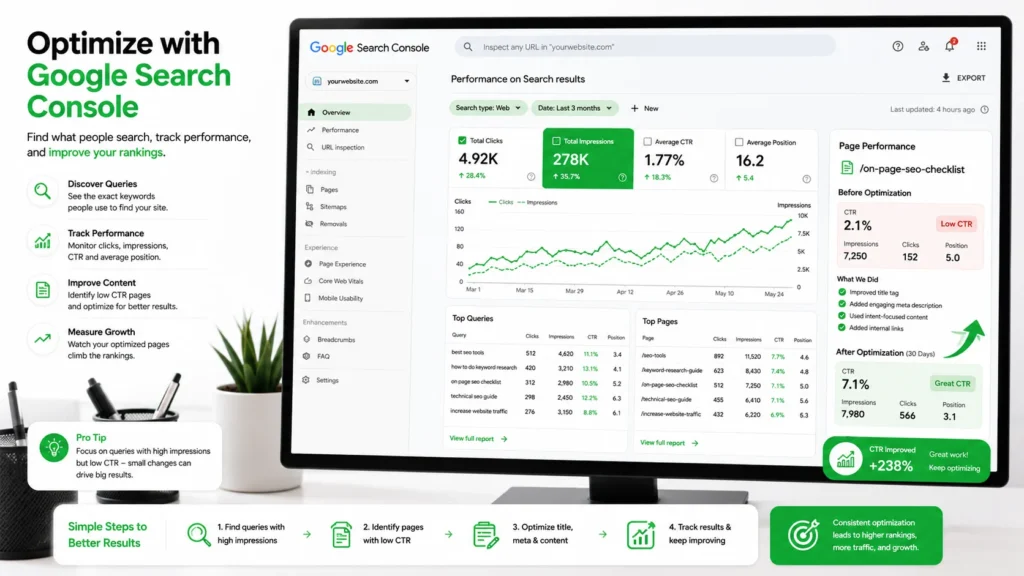
Google Search Console is one of the most important free SEO tools for beginners because it shows how your site performs in Google Search. It helps you measure impressions, clicks, and indexing status. It also helps you find pages that are underperforming or queries you never planned for.
A lot of beginners miss the opportunity hidden inside Search Console. If a page already gets impressions but very few clicks, you may only need a better title tag or meta description. If a page ranks for useful questions, you can expand that content instead of starting from scratch. This is one of the fastest beginner wins in SEO.
To make the most of it, look at:
- Queries with high impressions.
- Pages with low click-through rates.
- Indexed pages with weak engagement.
- Queries that suggest new article ideas.
How do Google Trends and Keyword Planner help?
Google Trends is great for spotting rising topics, seasonal interest, and long-term search behavior. Google says Trends helps you understand how people find information and refine your content strategy.
Google Keyword Planner is useful when you want more keyword ideas and search planning insights. Google describes it as a free keyword search tool that helps you build keyword lists and review forecasts.
Here is a simple comparison:
If you are writing beginner content, use Trends to pick a timing angle and Search Console to improve what is already live. That combination gives you a strong content loop.
Which tools help with on-page SEO?
On-page SEO tools help you review title tags, headings, meta descriptions, and page structure. MozBar gives quick SEO metrics in the browser, while Ahrefs’ free tools also cover on-page, link, and traffic checks.
These tools matter because beginners often focus only on keywords and ignore page quality. A page can rank better when its headings are clear, its topic is focused, and its internal links are sensible. Good on-page SEO is often about making one page easier to understand.
A beginner’s on-page checklist:
- Use one clear main keyword.
- Keep the title natural and useful.
- Add headings that match user questions.
- Improve internal linking.
- Check mobile readability.
How should beginners use free tools daily?
A daily SEO routine does not need to be complicated. The best habit is to learn from the data, make one improvement, and repeat. That is how beginners build real SEO skill without getting overwhelmed. Consistency beats complexity.
Times Needed:
- Days: 01
- Hours: 02
- Minutes: 30
Estimated Cost:
- USD 0
Description:
A beginner-friendly workflow for researching keywords, checking pages, and improving SEO with free tools.
Steps:
- Find a seed keyword: Start with one topic your audience cares about and generate related keyword ideas.
- Check real search data: Use Search Console to find pages, clicks, impressions, and missed opportunities.
- Review trending interest: Compare topics in Google Trends to see what is rising or seasonal.
- Optimize one page: Improve the title, headings, and internal links based on what the tools reveal.
Tools Name:
Materials Name:
- A website or blog
- A Google account
- A simple keyword sheet
What free tools are best for link building?
For beginners, link building starts with understanding where links come from and which pages already have authority. Ahrefs’ free backlink checker and Moz’s free backlink tools are useful here. Ahrefs says its free SEO tools include backlink analysis and authority checks, while Moz offers free tools for link building and analysis.
You do not need to chase dozens of links at the start. It is better to identify a few relevant websites, publish useful content, and build a small list of prospects. Quality links matter more than random links.
What is the best beginner workflow?
The best beginner workflow is simple and repeatable. Start with a keyword, check demand, review your own site, then optimize one page at a time. This is where free tools become powerful because they teach the habit of evidence-based SEO.
A good order to follow:
- Choose a topic.
- Check interest in Google Trends.
- Confirm keyword ideas in Keyword Planner or Ahrefs.
- Review site performance in Search Console.
- Improve the page using on-page SEO.
That process is enough for a beginner to build confidence and create useful content. It also sets you up for more advanced SEO later.
“Keyword research is the process of finding keywords that you want to rank for in search engines.” — Ahrefs
What mistakes should beginners avoid?
Beginners often make the same few mistakes:
- Using too many tools at once.
- Ignoring Search Console data.
- Chasing high-volume keywords only.
- Writing content without checking intent.
- Skipping page optimization after publishing.
These mistakes are easy to fix once you know them. The simplest rule is to use data before you write, then use data again after you publish. That is how SEO becomes measurable instead of guesswork.
What resources should you keep handy?
Here are a few reliable places to continue learning:
- Google Search Console Help for indexing and performance guidance.
- Google Search Console for measuring search traffic and site issues.
- Google Trends for trend and seasonality research.
- Google Keyword Planner for keyword ideas and planning.
- Ahrefs Free SEO Tools for keyword, backlink, and traffic checks.
- Moz Free SEO Tools for keyword and link analysis.
What should you do next?
Try these free SEO tools to improve your SEO skills and build your first repeatable workflow. Start with Google Search Console, then add one keyword tool and one trend tool. That small stack is enough to learn how real SEO decisions are made. The goal is to understand search, not just collect tools.
If you want structured practice, the AI-Powered Content & SEO Premium Internship Program can help you apply these tools in real projects. For a broader learning path, the Premium Internship Program is another useful starting point for skill-building.
FAQs to Know
What are the best free SEO tools for beginners?
Google Search Console, Google Trends, Google Keyword Planner, Ahrefs Free Keyword Generator, and Moz free tools are the best starting point.
Can I do SEO without paid tools?
Yes. Beginners can learn keyword research, on-page SEO, and performance tracking with free tools alone.
Which free tool is best for keyword research?
Ahrefs Free Keyword Generator and Google Keyword Planner are both strong beginner choices.
Is Google Search Console enough for SEO?
It is enough to understand your site’s current search performance, but it works best alongside a keyword and trend tool.
How often should I use SEO tools?
Check Search Console weekly, review keyword research monthly, and use Trends whenever you plan new content.
Do free SEO tools show accurate data?
They are useful for learning and planning, though some data is more limited than paid platforms.
Can beginners use SEO tools for YouTube or blogs?
Yes. Ahrefs includes free keyword tools for YouTube and Google, and Google Trends works well for content planning.
What is the fastest SEO win for beginners?
Improve pages that already get impressions in Search Console but have weak clicks.
Key Takeaways
- Free SEO tools are enough for beginners to learn real SEO workflows.
- Google Search Console is the most important free tool for site performance.
- Google Trends and Keyword Planner help you choose better topics.
- Ahrefs and Moz free tools are useful for keyword, backlink, and on-page checks.
- The best beginner strategy is to keep the tool stack small and consistent.
Conclusion
The best free SEO tools for beginners in 2026 are the ones that help you learn faster, not just gather data. Start with Search Console, one keyword tool, and one trend tool, then keep improving one page at a time. That approach gives you real SEO practice and makes the learning curve much easier. To continue building your skills, explore the AI-Powered Content & SEO Premium Internship Program and the broader Premium Internship Program.
Few Links Suggestions for More Research & Facts Check
- Google Search Console — official site performance and indexing tool.
- Search Console Help — official documentation and tutorials.
- Google Trends — trend and seasonality research.
- Google Keyword Planner — keyword planning and ideas.
- Ahrefs Free SEO Tools — keyword, backlink, and traffic research.